2026-10-13
How to Charge for Your Services in USDC With a Payment Link
Most people who sell a service don't send one invoice. They send the same one again and again: a logo package at a fixed price, a one-hour consulting call or a monthly retainer for the client who keeps coming back. Making a fresh invoice by hand every time works for the first few clients and turns into busywork by the tenth.
Klap Link is now live, and it's built for this. You make a link once for each thing you sell, put it wherever clients find you, and every payment settles in USDC straight into a wallet you control. You don't write code, you don't need an API key, and Klappay never holds your money in between.
If you've never been paid in crypto before, start with how to get paid in USDC as a freelancer, which explains the basics: what a wallet is and why a stablecoin doesn't move like Bitcoin. This post assumes you're past that and want something you can set up once and keep reusing.
One link per thing you sell
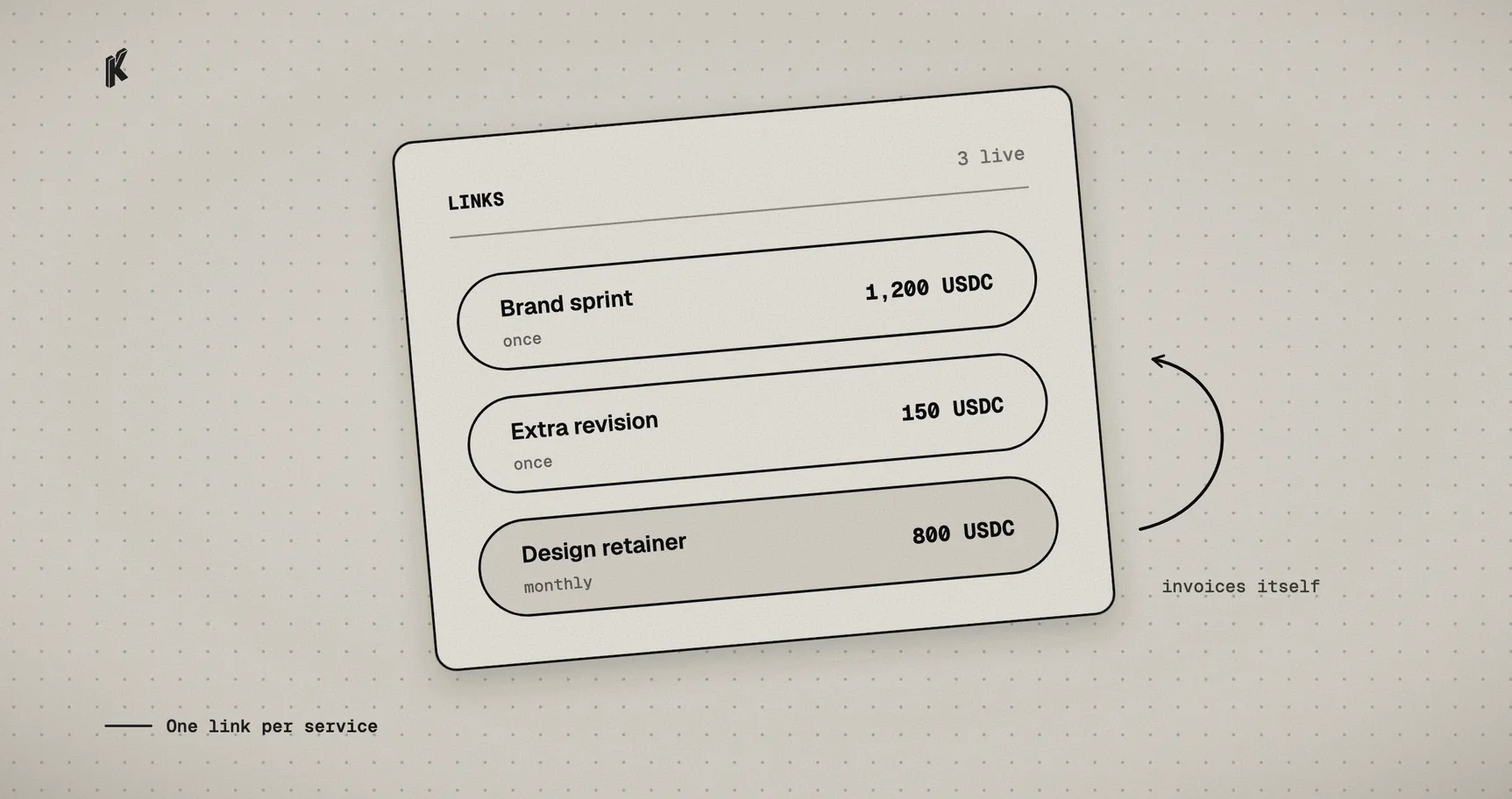
Picture a menu instead of a stack of invoices. A designer might end up with three links:
- Brand sprint, $1,200, one time
- Extra revision round, $150, one time
- Design retainer, $800 a month
Each one gets its own page at pay.klappay.com/p/your-link. The client sees the name, the price and what you accept, then pays. Paste it into a proposal, pin it in a Slack channel you share with a client or put it on your portfolio. It's the same URL every time, so there's nothing to regenerate when a new client shows up.
If what you sell is closer to a product (a template pack or a limited batch of workshop seats), the same link can carry a stock limit, so it stops selling once the seats are gone, and a shipping line that asks the buyer for an address.
Setting it up
Sign in at link.klappay.com with Google or with an email and password. If you use a password, confirm your email before you add a payout wallet.
You can build your first link before you've connected a wallet. Until you do, every link runs in test mode: you can open it and pay it once with test funds, so you see exactly what a client will see, including the receipt email, and no real money moves. When you're happy with it, add your payout wallet in Settings and your links start taking real payments.
That wallet address is the only thing Klap Link needs to know about your money. When a client pays, the payment settles to that address. There's no Klappay balance to withdraw from and no weekly payout batch to wait for.
When you create a link you choose:
- The price, in dollars.
- What you accept. Stablecoins like USDC and USDT, on the networks you tick. If your clients don't care, USDC on Base is cheap and fast.
- What you ask the client for. Email is required by default and is how they get a receipt. Their name is optional. For a one-time link you can turn email off if you'd rather not collect it.
- Who pays the fee. Klappay charges 0.5%. By default you cover it. Switch it to the client and the page adds a small "Processing fee" line, so you still receive the full price you set.
What your client sees
Your client doesn't need a Klappay account. They open the link, type their email, and continue to checkout, where they pay from the wallet they already use: a browser extension, a mobile wallet through a QR code, or by copying the address.
Once the payment confirms on-chain they get a receipt by email and you see it in your dashboard right away. They also show up under Customers, so after a few months you have a list of who paid you, for what, and when, without keeping a spreadsheet.
Retainers: a link that bills every month
Create a link with a monthly or yearly billing interval and it becomes a subscription.
The client pays the first period through the link like any other payment, and that starts the subscription. Three days before each renewal, Klap Link emails them an invoice. They open it and pay from their own wallet, the same way they paid the first time.
Nothing is pulled from their wallet automatically. There's no card on file and no token allowance sitting in the background. Every payment is one the client approves themselves, so a renewal never surprises anyone.
If an invoice isn't paid by its due date the subscription is marked past due on your dashboard. If it's still unpaid seven days later, the subscription cancels itself. The client can cancel from the invoice page, and you can cancel any subscriber from the dashboard. If you stop offering a retainer, archive the link: nobody new can subscribe, and existing clients keep renewing until one of you cancels.
The dashboard home shows your monthly recurring revenue next to everything else, with yearly plans divided by twelve, so you always know what next month looks like.
Working with a partner
Plenty of service work is shared: a developer and a designer selling a site together, or a studio that pays a referral cut. In Settings you can add partners with a name and a wallet and set a default split, as a percent of what you receive. Any link can use that default or a split of its own. Each payment is divided on-chain as it settles, so you never have to collect the whole amount and pay your partner back by hand later.
Some honest limits
Not every client has a wallet, and asking someone to set one up so they can pay your invoice is a good way to get paid late. Offer Klap Link next to what you already use, especially to clients who already hold stablecoins or have asked to pay that way.
Prices are fixed per link. If every job is quoted from scratch, either make a link for that specific quote or send a one-off charge from the Klap App as described in the freelancer post.
And being paid in USDC doesn't change your taxes. It's still income. Your dashboard keeps the payment history, but ask an accountant how to report it where you live.
Make your first link in a couple of minutes at link.klappay.com.