2026-09-23
How to Get Paid in USDC as a Freelancer
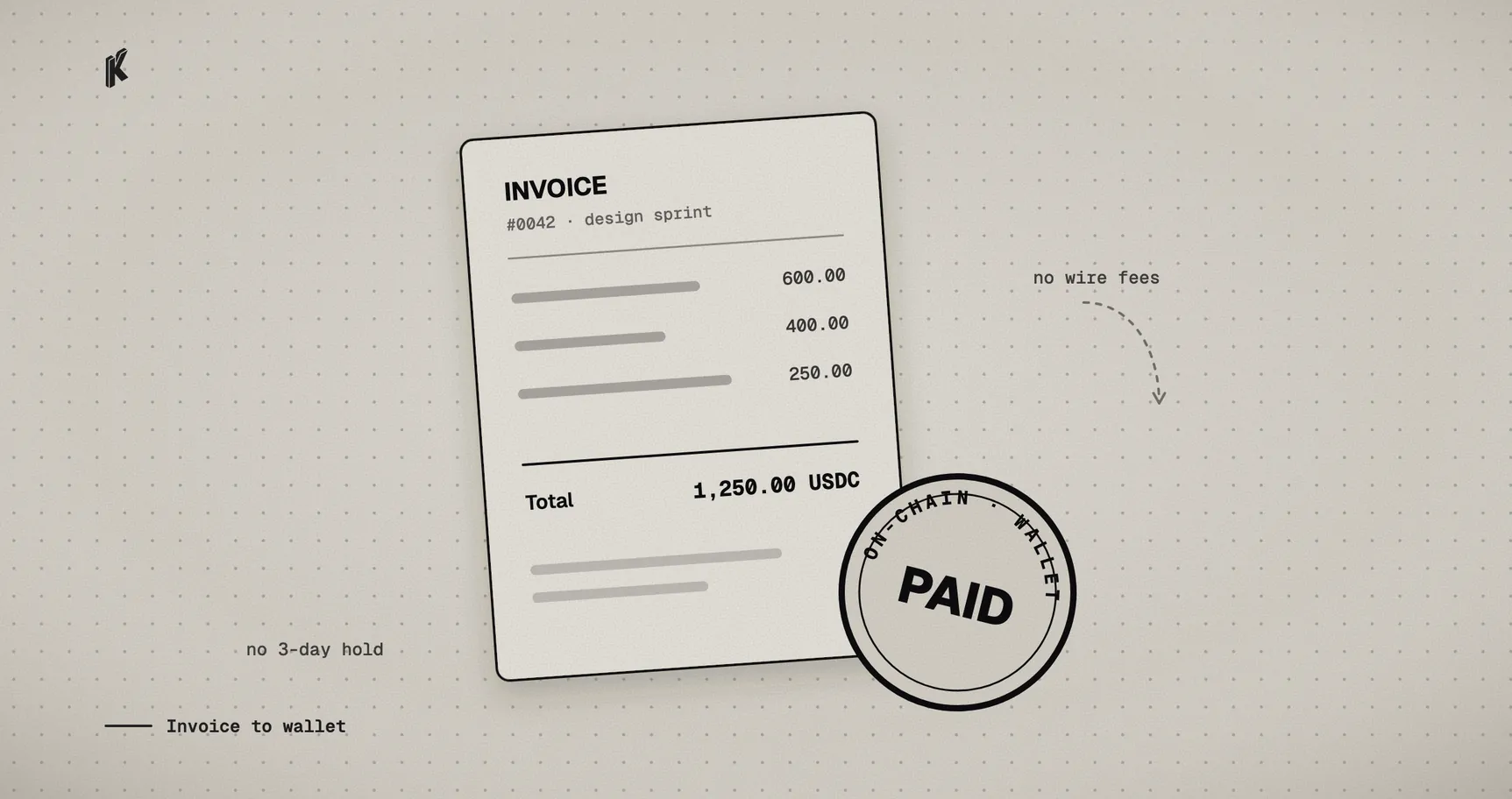
If you've invoiced a client on another continent, you know how it goes. The wire takes three to five business days, someone between their bank and yours takes a cut, and if one digit of the routing details was off you spend an afternoon in a support chat. PayPal and Stripe fix some of that and bring their own problems: a percentage on every invoice, holds on new or "unusual" payments, and account reviews on their schedule.
Getting paid in USDC skips most of it. USDC is a stablecoin pegged to the US dollar, so one USDC is meant to be worth one dollar. Unlike being paid in Bitcoin, there's no exchange rate to watch between the invoice and the payment. You quote $500 and you receive 500 USDC.
Below is how to do that with Klap Link for a single quoted job, without writing any code.
What you need
- A wallet you control. This is where the money lands: an address you hold the keys to, not a balance inside someone's app. If you don't have one, MetaMask and Coinbase Wallet both take a few minutes to set up, as a phone app or a browser extension. Write down the recovery phrase and keep it somewhere safe. It's the only way back into the wallet if you lose your device, and nobody, Klap included, can give it back to you.
- A Klap Link account. Sign in at link.klappay.com with Google, or with an email and a password. With a password you confirm your email before you can add a payout wallet (here's why).
You don't need a business registration, an exchange account or an API key.
Make a link for the job
A link in Klap Link is a payment page with a fixed price. For one client and one quote, make a link just for that job:
- Title and description: the job, in words your client will recognize. "Website redesign, phase 1" works better than an invoice number.
- Price: the quoted amount, in dollars.
- What you accept: USDC, plus any other stablecoins and networks you're happy to receive. If neither of you has a preference, USDC on Base is cheap and fast.
- Stock: 1. Once one checkout is paid, the link stops taking payments, so the client can't pay twice by accident and nobody else can pay it if the URL gets forwarded.
- Expiry: optional, from 24 hours to 30 days, or never. Pick one if your quote has a deadline. After it, the page tells visitors the link is no longer available.
- Who pays the 0.5% fee: you, by default. Switch it to the client and the page adds a "Processing fee" line, so you still get the full quote.
Email is required by default, and it's how the client gets a receipt. Leave that on for client work.
The link lives at pay.klappay.com/p/your-link. Send it the way you'd send an invoice, in an email or a Slack message.
Test mode
Until you add a payout wallet, every link runs in test mode. You can open the link and pay it once with test funds, see the same page and the same receipt email your client will, and no real money moves. Do it once. It's the quickest way to check the title, price and networks before a client sees them.
When it looks right, add your wallet address in Settings. That address is the only thing Klap Link knows about your money. Payments go to it directly. There's no Klap balance to withdraw from and no payout batch to wait for.
What your client sees
Your client doesn't need a Klap account. They open the link, see the job, the price and what you accept, enter their email and pay from the wallet they already use: a browser extension, a phone wallet that scans a QR code, or by copying the address.
Two things are worth telling a client who hasn't done this before:
- They need a little gas. Sending USDC on Base costs a small amount of ETH, paid from their wallet. Does USDC have gas fees? explains it, and it's worth linking if they ask.
- The checkout is open for 15 minutes. If they get distracted and it lapses, they open the same link and start again.
Once the payment confirms on-chain, the client gets a receipt by email and you see the payment in your dashboard. They also show up under Customers, so the history of who paid you, for what and when builds up without a spreadsheet.
Clients who come back
A link per quote works well for one-off jobs. If you sell the same thing at the same price, or bill a client every month, make links you reuse instead, including retainers that email the client an invoice before each renewal. How to charge for your services with a payment link covers that setup.
Limits
Not every client has a wallet, and asking someone to set one up so they can pay your invoice is a good way to get paid late. Offer USDC next to what you already accept, to clients who already hold stablecoins or have asked to pay that way, not as the only option.
Being paid in USDC doesn't change your taxes either. It's still income. Your dashboard keeps the payment history, but ask an accountant how to report it where you live, because that part varies.
Make your first link at link.klappay.com.