2026-11-03
Coinbase Commerce Alternatives: Where the Money Lands With Each One
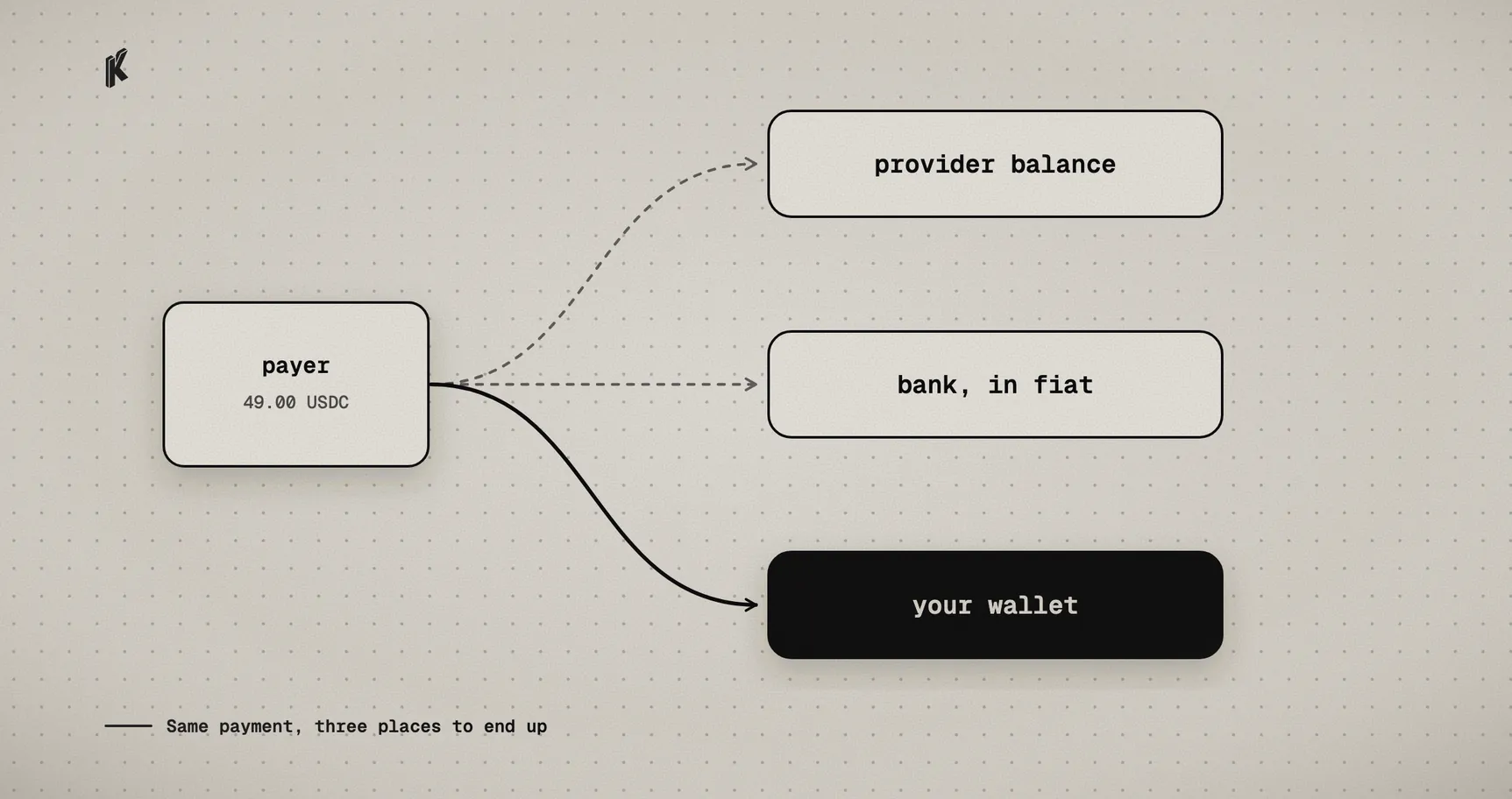
Coinbase set March 31, 2026 as the last day of the Commerce portal. Its transition page sends merchants in the US and Singapore to Coinbase Business. Merchants anywhere else had to withdraw their funds and go find another provider.
Most lists of alternatives compare how many coins each one supports. We'd start with custody, because that's what changed. Coinbase's own comparison lists custody and bank off-ramps as features of Coinbase Business and not of Commerce. So even a merchant who stays with Coinbase can end up on a different model, with funds sitting in a Coinbase account.
We build one of the options below, so read this with that in mind. Everything about the other providers comes from their public pages on November 3, 2026, and we say where a page didn't answer the question. Prices move, so check before you commit.
| Option | Where the money goes | Listed cost | Fits when |
|---|---|---|---|
| Coinbase Business | Your Coinbase account | 1% for merchants moving from Commerce | You're in the US or Singapore and want an account with off-ramps |
| Stripe stablecoin payments | Your Stripe balance, in local currency | Not on the pricing page we checked | You already run on Stripe and want dollars, not tokens |
| BitPay | Your bank in fiat, or crypto, or a mix | 2% + 25¢ under $500k a month, down to 1% + 25¢ | You want crypto in and fiat out |
| NOWPayments | Not stated on its pricing page | 1% service fee, plus processing and network fees | You need a long list of coins |
| BTCPay Server | Your own wallet | 0% software fee, you run the server | You mainly take Bitcoin and can operate infrastructure |
| Klap | A per-charge contract that pays your wallet | 0.5% per settled payment | You want USDC or USDT in your own wallet, through an API |
Staying with Coinbase
If you're in the US or Singapore, Coinbase Business is the shortest path, and the bank off-ramp is a real reason to choose it. Coinbase describes checkouts as settling into the account in seconds. Your funds now sit with Coinbase until you move them, so review it the way you'd review any custodial provider.
Stripe, if dollars are the goal
Stripe's stablecoin payments are a payment method inside the Stripe you may already use. Customers pay in USDC on Tempo, Ethereum, Solana, Polygon or Base, and you receive local currency in your Stripe balance. Businesses have to be in the US, with the EU, Hong Kong, Mexico and Switzerland in private preview, and there's a limit of $10,000 per transaction.
That suits a company that doesn't want to hold tokens at all. You won't end up with USDC in a wallet.
BitPay, for crypto in and fiat out
BitPay's pricing page lists 2% + 25¢ below $500,000 a month, 1.5% + 25¢ up to $999,999, and 1% + 25¢ above that, with higher fees for high-risk industries. Settlement is daily to a bank account in seven fiat currencies, in crypto, or in a combination. The page doesn't describe a custody model, so ask if it matters to you.
NOWPayments, for coin coverage
NOWPayments' pricing page shows a 1% service fee and says processing, network and on-ramp fees also apply, without amounts. That page doesn't describe custody or payout conditions either, so read the terms and try a real payout before you compare the total with anything else in this table.
BTCPay Server, if you'd run it yourself
BTCPay Server is open source and self-hosted, with 0% fees and funds going straight to your wallet. It's the closest match in spirit to the self-custody that drew people to Commerce. The trade is that the server becomes your job, and the homepage only names Bitcoin, so if stablecoins are the point, check its docs for how they're supported.
Klap, and where it doesn't fit
Klap accepts USDC and USDT on Ethereum, Base, Optimism, Arbitrum, Polygon, Avalanche and BNB Chain, plus USDC on Arc. Each charge gets its own contract address, predicted before anyone pays. The payer sends funds to that address, and the contract can only pay the recipients it was created with. There's no Klap balance to withdraw from, and if we went offline, anyone could call the public distribute() function and the payout would still go through.
It costs 0.5% per settled payment, with no monthly or setup fee. The stablecoin the customer sends is the stablecoin you receive.
You'd want something else if:
- You need money in a bank account in local currency. Klap has no fiat rails, so pairing it with a ramp is on you.
- You need Bitcoin, Solana or TRON. Klap doesn't accept any of them today.
- You want a provider to hold a balance for you, or you need card acceptance.
- You want someone else to handle KYC, AML or sanctions screening on your customers. That stays with you.
We're also in closed beta and don't publish failure rates yet, so if you need that history from a vendor before you sign, we can't give it to you yet. Evaluating Klap has the full route table and these gaps in one place.
What moving your integration involves
The API call is the easy part. Creating a charge on Klap looks like this:
const charge = await klap.charges.create({amount: 49.00,expiresIn: 1800,acceptedPayments: [{ token: 'USDC', network: 'base' },{ token: 'USDT', network: 'polygon' },],})
The work is mostly in what surrounds that call, and it applies whichever provider you pick:
- Your webhook handler. Event names and payloads will differ, so map them to your order states one by one. It's a good moment to make the handler idempotent if it isn't already.
- The difference between paid and settled. A confirmed payment and money in your wallet can be two separate events. Decide which one releases the order.
- The payment screen. If you relied on a hosted page, decide whether to keep a hosted checkout or build your own.
- Failure cases. Partial payments, late payments and expiry are where integrations break, and they're easy to skip. Test them without real funds before the first customer finds them for you.
If you don't have an integration to move and only used Commerce for simple payment links, Klap Link does that without code.